Copilot is in your Word, Excel, Outlook and Teams… but do you know what to ask it?
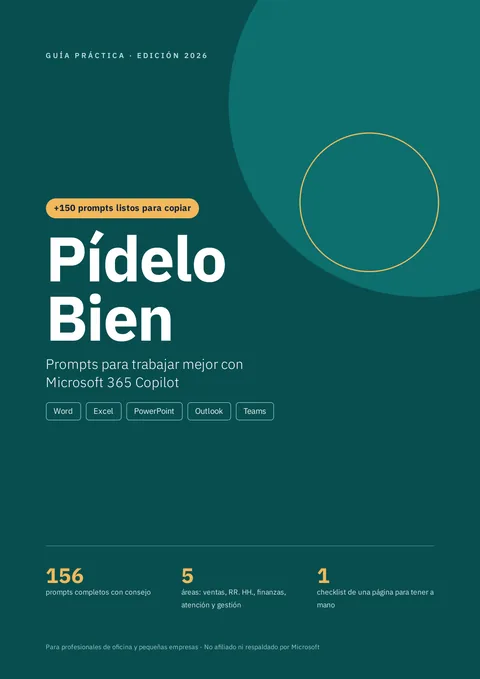
Pídelo Bien Prompt guide for Microsoft 365 Copilot · in Spanish156 ready-to-copy prompts to ask Copilot for what you need at work
To draft, summarize, analyze data and organize meetings in Word, Excel, PowerPoint, Outlook and Teams, even if you've never written a prompt. The prompts are in Spanish.
One-time payment · price in your currency at checkout
Independent product, not affiliated with Microsoft.
Copilot is already in your Microsoft 365… but doesn't answer what you expect?
The tool is there. What almost nobody explains is how to give it clear instructions.
You ask “write me a report”… and get something generic
And you think the problem is Copilot, but it isn't.
You don't need to be an AI expert
You just need to know what to ask and how to ask it in each app.
When you ask with context, format and tone…
the answer gets closer to what you need, and you refine it with short phrases.
And you learn it by copying and pasting, starting today.
With Copilot you can:
- Draft and improve text
- Summarize long documents and emails
- Analyze data in Excel
- Organize meetings and tasks
In Word, Excel, PowerPoint, Outlook and Teams.
Pídelo Bien156 prompts to work better inside Microsoft 365
Pídelo Bien is a practical PDF guide, in Spanish, with ready-written prompts for real office tasks: it shows what to ask Copilot and how to ask it, with what you fill in marked in [BRACKETS] and a tip in each one.
- 156 complete prompts, organized by app and by area
- The OCFT formula to write your own requests
- 10 phrases to improve any answer
- Common mistakes and what never to paste into a prompt
- One-page printable checklist and a jargon-free glossary
Copy, fill in and paste the prompt
- It's not a long course.
- It's not AI theory.
- It's not a Copilot license.
- It's not from Microsoft.
It's a guide to use today.
How the guide is built
This is what you do with the prompts in:
Pídelo Bien
Word22
With the 22 prompts for Word you can ask, for example:
- First draft of an internal policy
- Job description
- Company profile
👉 Each one comes with the situation, the ready prompt and a tip.
Excel22
With the 22 prompts for Excel you can ask, for example:
- Split first and last name
- Find duplicates
- Fix an error in a column
👉 Each one comes with the situation, the ready prompt and a tip.
PowerPoint18
With the 18 prompts for PowerPoint you can ask, for example:
- Sales presentation
- Quarterly results
- Prepare for tough questions
👉 Each one comes with the situation, the ready prompt and a tip.
Outlook22
With the 22 prompts for Outlook you can ask, for example:
- Collect payment kindly
- Reply to an upset customer
- Shorten your draft
👉 Each one comes with the situation, the ready prompt and a tip.
Teams20
With the 20 prompts for Teams you can ask, for example:
- Decisions made in the meeting
- Open tasks
- Meeting agenda
👉 Each one comes with the situation, the ready prompt and a tip.
Copilot Chat12
With the 12 prompts for Copilot Chat you can ask, for example:
- Search for information with sources
- Organize messy notes
- Analyze a decision
👉 Each one comes with the situation, the ready prompt and a tip.
By area40
Sales, HR, finance, customer service and management.
- Prepare a client visit
- Workplace climate survey
- Accounts receivable
👉 Each one comes with the situation, the ready prompt and a tip.
What makes these prompts different?
Every prompt follows the same formula, built for real office tasks:
- OBJECTIVE: What result you want(a draft, a table, a summary, a list)
- CONTEXT: What Copilot is working on(the document, the data, the email, the meeting)
- FORMAT: How you want to receive it(bullets, table, email ready to send)
- TONE: How it should sound(formal, friendly, firm but kind)
A well-built request gives Copilot what it needs to answer better.
And today you get the guide with all 156 prompts:
One-time payment
$7 USD
One single payment
One-time payment · price in your currency at checkout
Important: the reference price is in dollars; Kiwify's checkout shows the amount in your currency and your country's payment methods.
Plus, with your purchase you get these 2 bonuses
Included · US$ 7
50 lightning prompts for your email
A single page with short requests to reply, ask, follow up, adjust your draft and handle delicate situations.
- Requests to reply and ask
- To follow up and adjust your draft
- For delicate situations
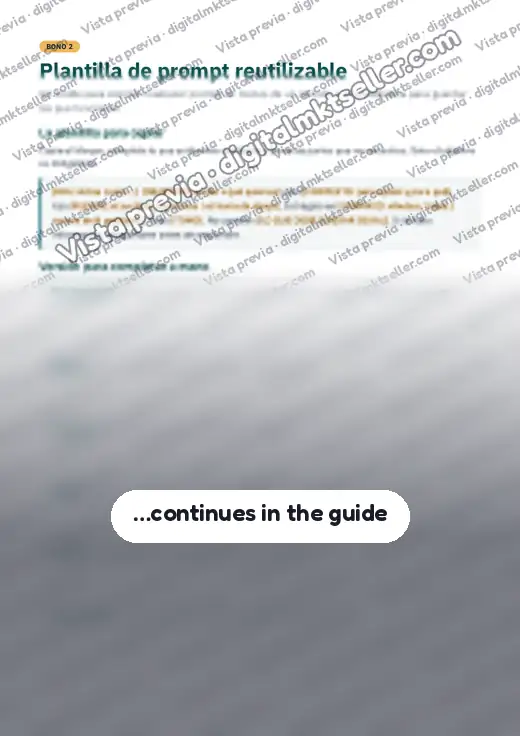
Reusable prompt template
A template to write any prompt in under a minute, 3 complete examples and a library to note down the prompts that work for you.
- A template for any prompt in under a minute
- 3 complete examples
- A library to note your prompts
Thisis NOT for you if…
- You want a technical course on programming or building agents
- You don't have access to any version of Copilot
- You don't read Spanish (the guide and prompts are in Spanish)
ThisIS for you if…
- Office professionals who already have Copilot in their work account and want to really use it.
- Assistants, analysts, salespeople, coordinators, HR, finance and customer service staff.
- Owners and teams of small businesses that use Microsoft 365.
- People who have never written a prompt and want to start with concrete examples.
Add to your order
At checkout you can add any of these PDF add-ons for US$ 5 each. They're optional: tick only the ones you want. The PDFs are in Spanish.
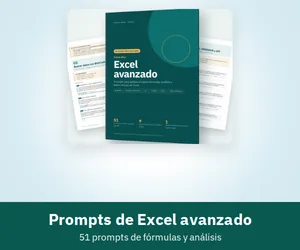
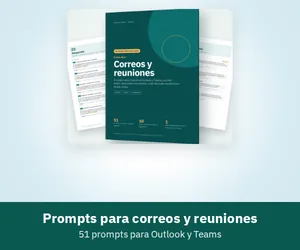
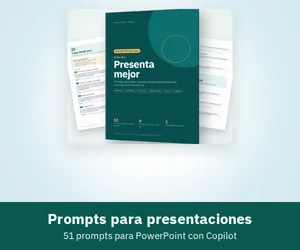
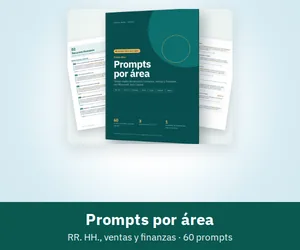
They show up as checkboxes at checkout, right before you pay. Access goes to the same email as your order.
This is everything you get with Pídelo Bien:
- 156 prompts ready to copy, by app and by area
- The OCFT formula and 10 phrases to improve answers
- Printable checklist and glossary
- 35-page A4 PDF with a linked table of contents, in Spanish
- Sent to your email as soon as payment is confirmed
- Bonus #1: 50 lightning prompts for your email
- Bonus #2: Reusable prompt template
Today:
$7 USD
One single payment
No subscription
With instant access and the 2 bonuses
One-time payment · price in your currency at checkout
Important: the reference price is in dollars; Kiwify's checkout shows the amount in your currency and your country's payment methods.
Your purchase is protected!
Download the guide, try it at work and, if within 7 days you feel it isn't for you, write to us and we'll refund 100% of what you paid. No questions.
Questions?
We have answers:
What language is the material in?
Spanish. All the content of the PDF is in Spanish; this page was translated to make it easier to read.
How do I receive the guide?
After payment is confirmed, you receive the download link in your email. Also check your spam folder.
Do I need to pay for a Copilot license to use the guide?
The guide does not include a license. Many prompts work with Copilot Chat, which is available for many work accounts; others depend on the Microsoft 365 Copilot license. The guide shows which ones. Check your account or with your IT department what you have available.
Does it work with the Copilot version in my personal account?
The guide is designed for Copilot at work (Microsoft 365). Several writing and analysis prompts can also be adapted to other versions, but menus and features may differ.
Do I need to know about technology?
No. If you know how to copy and paste, you can use the guide. Technical terms are explained in the glossary.
Do the prompts always work the same way?
Copilot may give slightly different answers each time, and artificial intelligence can make mistakes. That's why each prompt comes with a tip and the guide explains how to review and improve the answer.
Can I print it?
Yes. The PDF is A4 size and the checklist is designed to be printed.
What if I don't like it?
You have a 7-day guarantee. Write to us and we'll refund your money.
Is this guide from Microsoft?
No. It is an independent publication, not affiliated with or endorsed by Microsoft.
If you already use Microsoft 365 and want to get real value from Copilot, Pídelo Bien is a good place to start.
Stop trying random phrases and start with prompts written for real tasks.
Copilot is already in your tools. The difference is how you ask.
Start today
$7 USD
One-time payment · price in your currency at checkout
Terms (in Spanish) | Privacy (in Spanish)
Pídelo Bien is an independent publication. It is not affiliated with, sponsored or endorsed by Microsoft. Microsoft, Microsoft 365, Copilot, Word, Excel, PowerPoint, Outlook and Teams are trademarks of Microsoft Corporation, mentioned only to indicate compatibility. Results depend on each person's use; no time savings or specific results are guaranteed.
© 2026 DigitalMKT Seller